
How can you react to a TikTok comment with a video from iPhone or Android?
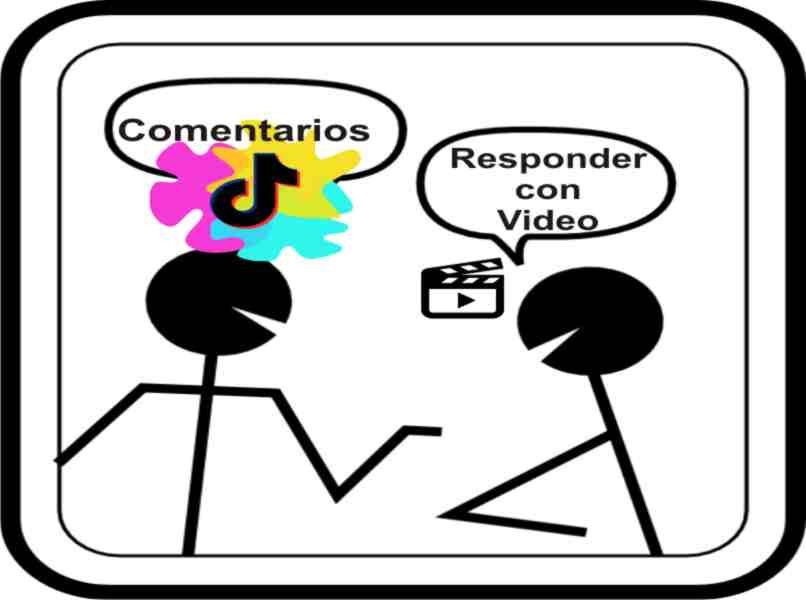
You must enter the comments to be able to answer with a video. Just click on the desired and you choose the option "Respond with a video, in this way, the application interface starts the process of uploading content in which you select, whether you want to record a video with the camera or whether you want to select a video that has already been created or saved in your gallery. How can you react to a TikTok comment with a video from iPhone or Android?
After completing the video, you can use all the desired effects and filters. That means you can make a video with photos, lyrics and music the purpose of the reaction, when you are finished adding the details, this will appear in the last section of the publication process.
Comment user mentioned. Just before your username is the symbol for the character (@), it is the same process to mark a friend in tik tok, with the difference, that you don't have to search for the user because he is selected.

Once this is done, publish the video in your profile. You will find that it is have a conversation window, With the comment made in the original video and all people who visit the video and click on this text, it is forwarded to the video in which the comment was created.
What methods are there to respond to TikTok's comments?
TikTok has distinguished itself as one of the most social networks innovative that have existed so far and is that the content you can upload to this platform is only audiovisual, ie its content is only based on videos.
For this reason, TikTok also gives you the opportunity to react in different ways, and among them we can name:
With another comment
Just like in other social networks, you can respond to a comment in the traditional way, that is, with another comment that was either written or used Emojis or GIF.
Through a video response
TikTok also has the option of answering a comment with a video answer, use a video as an answer instead of a comment.
It's very simple, you just have to select the comment you want to reply to, once you have it you have to hold it down and a pop-up window will open, in which you have several options, including "Answer with a video.
If you select the option to answer with a video, you can record a video from your device or upload a video from your gallery and then you just have to publish it and smart is very simple.
Can you reply to a TikTok comment with a recorded video?
The answer to this question is yes, as already mentioned, TikTok offers the option of either recording the video response at the moment or, if you prefer, selecting it from the gallery of your device.
You just have to hold down the comment you want to reply to. After a pop-up menu, select the "Respond with a video" option and that is exactly where you can select the icon of your gallery and select the video with which You want to reply and click publish and you're done.
What to do if your TikTok application doesn't allow you to give the answer to video?
If you want to answer a comment with a video answer, but the Platform does not allow, there can be several reasons to know why TikTok does not allow you to use a video as an answer. Make sure that:
Update the app
One of the reasons why you can't answer with a video answer with TikTok is that you may be using a version before the new update of this platform, in this case, you need to update the app using the latest version of the Google Play Store.
As soon as you have updated the application to the latest version, you can already reply with one Video response to all desired comments.
Make sure you have memory available
If a device has maximum memory. This means that it is at the limit of the applications, then its function is hindered in the case of tik tok, when adding or downloading content, the process is not allowed, so it is recommended to give space.
Make sure the comment has not been deleted
Another reason why you can no longer reply to a comment with a video it is because he was removed himself, make sure you respond as soon as possible so that this does not happen. After you have published your video as a response to delete the comment, it will also be displayed in your post.
If you've made all of these suggestions and even your TikTok application does not allow you to run the video response, you can consult technical support to solve any problems you have related to the comment area. How can you react to a TikTok comment with a video from iPhone or Android?